













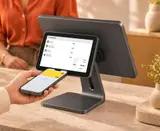









Payment links
Send a link. Get paid.
Turn any order into a secure payment page. Your customer reviews it on their phone, pays with mada, Apple Pay or card, and the order marks itself paid.

- A link for every order
- mada, Apple Pay and STC Pay
- Marks itself paid
- Receipt and tax invoice
- Same reports as in store
Send
Bill from anywhere. No card machine needed.
Every order in Mirad comes with its own payment link. Copy it from the dashboard or share it from your phone in a tap.
-

A link for every order
Open the order, copy its payment link and send it wherever you talk to your customer.
-

Share it your way
Send it on WhatsApp, by text or by email, straight from the Mirad app.
-

Quote first, collect after
The same link carries the quotation as a PDF, so your customer can approve it and pay in one place.


 WhatsApp

Pay
A checkout they trust. On any phone.
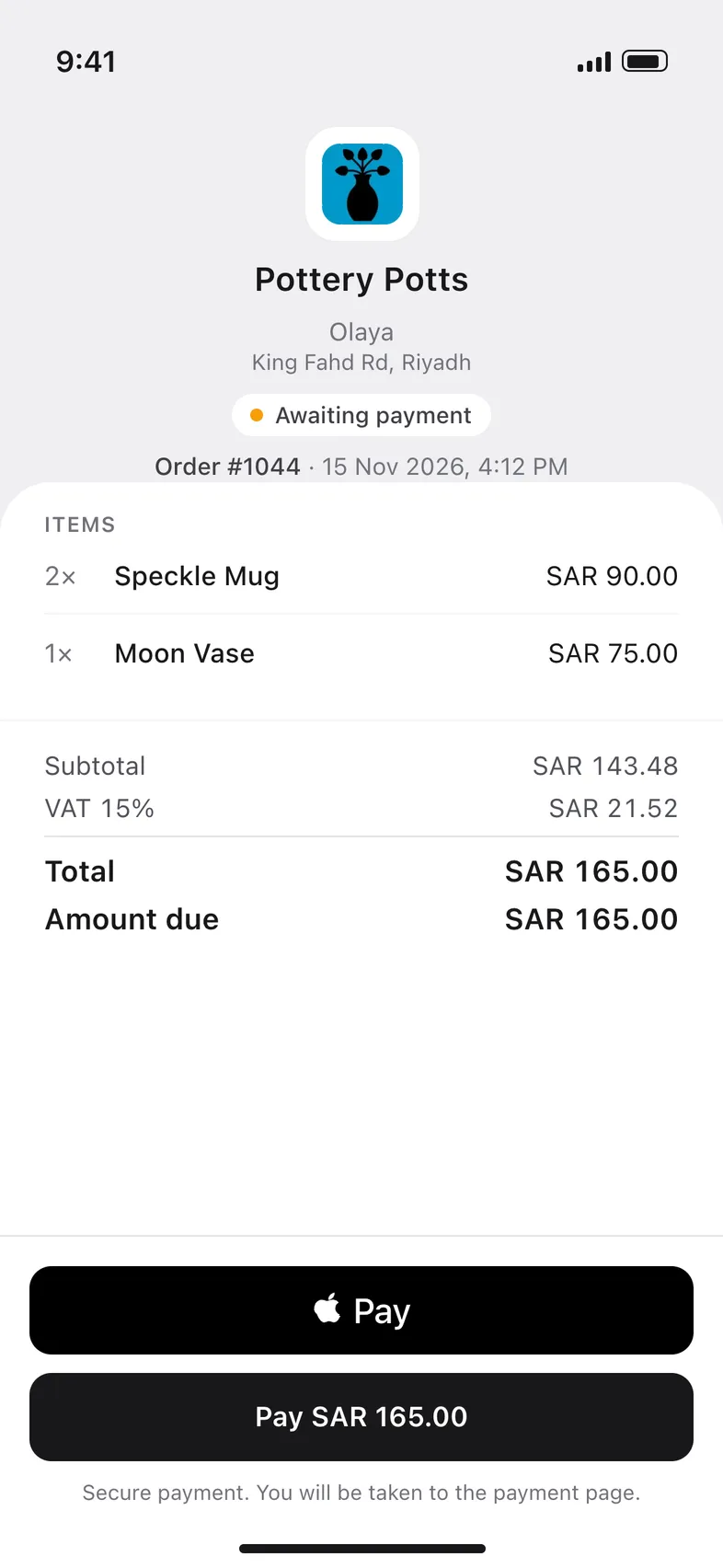
The link opens a clean page with the order and the amount due, and takes the payment methods your customers already use.
-

Apple Pay in one tap
Apple Pay sits right on the page, with mada, STC Pay and cards on the secure checkout.
-

Nothing to explain
Items, VAT and the amount due are all on the page, under your logo and branch name.
-

Safe on both sides
Card details go to a licensed payment gateway, never to you or your team.



Track
One set of books. Online and in store.
Paid links settle into the same orders and reports as your counter sales, so there's nothing to match up by hand.
-

Marks itself paid
The moment they pay, the order turns from awaiting payment to paid, everywhere you look.
-
Every payment type, side by side
Payment-link sales show up next to cash and card in your sales reports.
-
The link becomes the receipt
Once paid, the same link shows the receipt and the tax invoice, ready to download.

Works with
Better together. Any order can be paid by link.
Payment links work on the orders you already take across Mirad.


Get paid without a card machine.
Turn on payment links and send your first one today.