
















Customer display
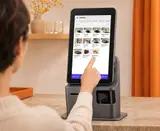
Let customers see every item.
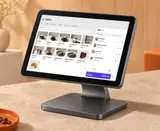
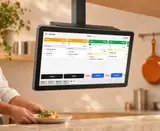
The cart, tax and total, live on a screen that faces your customer. They check as you ring up, then pay right there.

- Live cart
- Tax shown clearly
- Card payments
- Idle photo wall
- Pairs by QR
Show
No surprises at the till. Every item, as you add it.
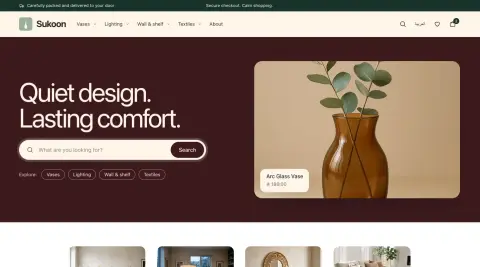
Customers watch the cart build with photos, options and prices, and catch mistakes before they pay.
-
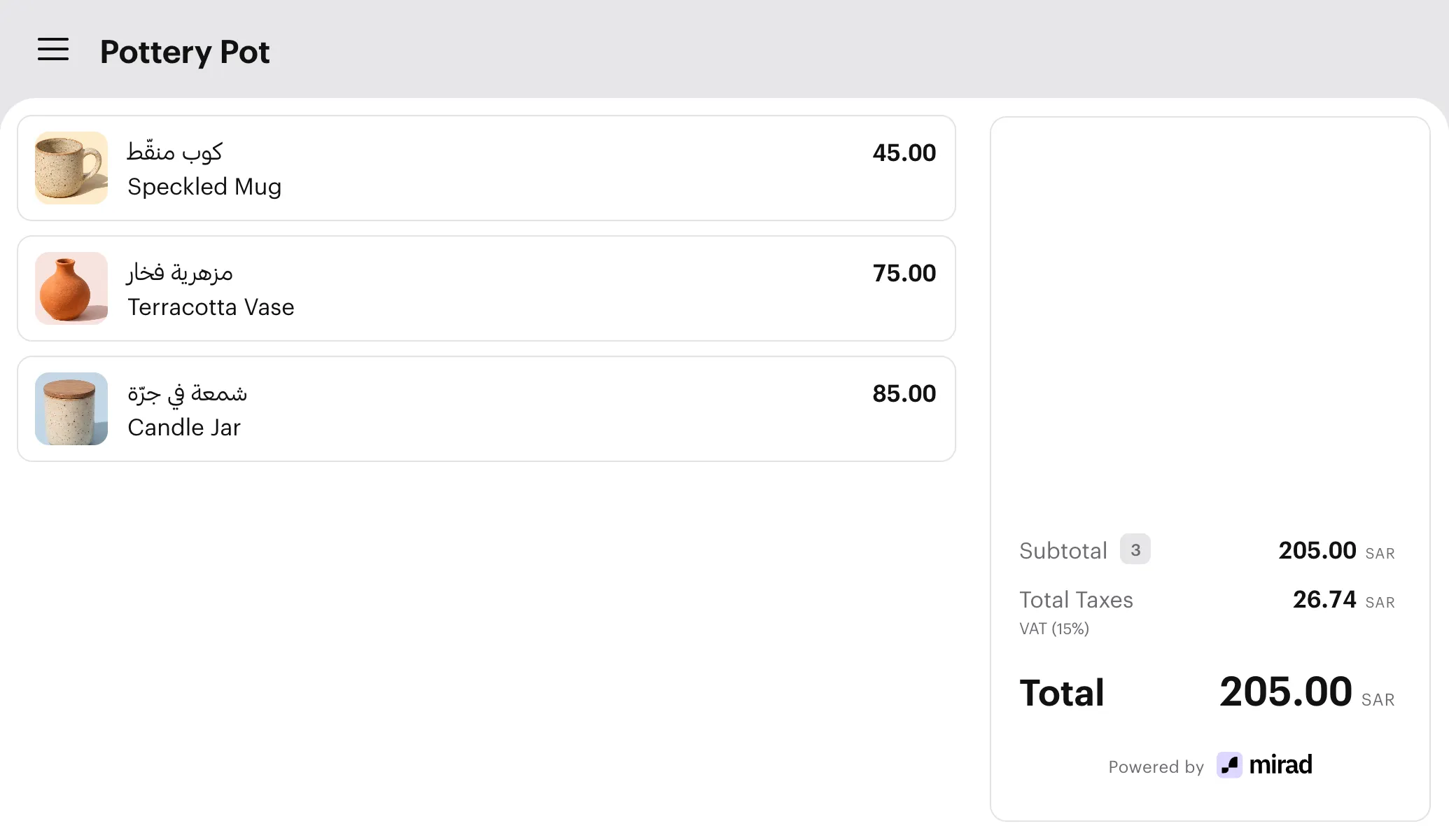
The cart, facing out
Item photos, names and prices appear the moment you add them.
-

Options included
Sizes, add-ons and notes show under each item, priced.
-
Tax, spelled out
Subtotal, tax with its rate and the total, in large type.



Pay
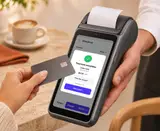
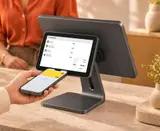
Pay right at the screen. Every step made clear.
When the display takes the payment, it tells the customer exactly what to do.
-

Guided card payments
Present card, processing, done. Customers always know what's happening.
-

Clear when it fails
A declined card shows a simple prompt to see the cashier, not a frozen screen.
-

Thanks, then ready
A thank-you shows for 4 seconds, then the screen is ready for the next customer.


Set up
Built in or standalone. Paired in a minute.
Use the rear screen of a dual-screen terminal, or pair a separate display over your Wi-Fi.
-

Pair by QR or code
Scan the QR or type a 6-digit code. It links to your till over the shop's Wi-Fi.
-
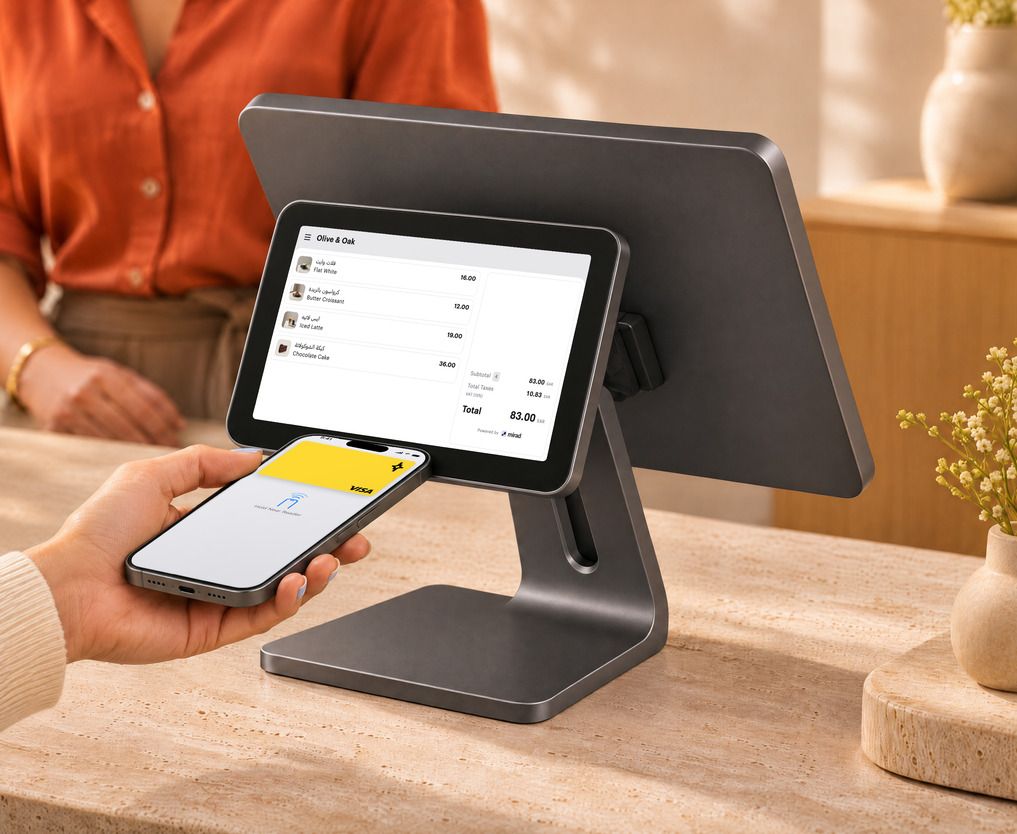
Two screens, one device
On dual-screen terminals, the rear screen becomes the customer display. No extra hardware.
-
A shop window when idle
Between sales, your logo floats over a scrolling wall of your own product photos.


Works with
Better together. From the till to the pickup.
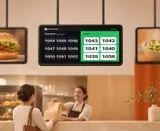
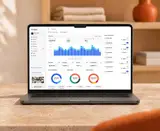
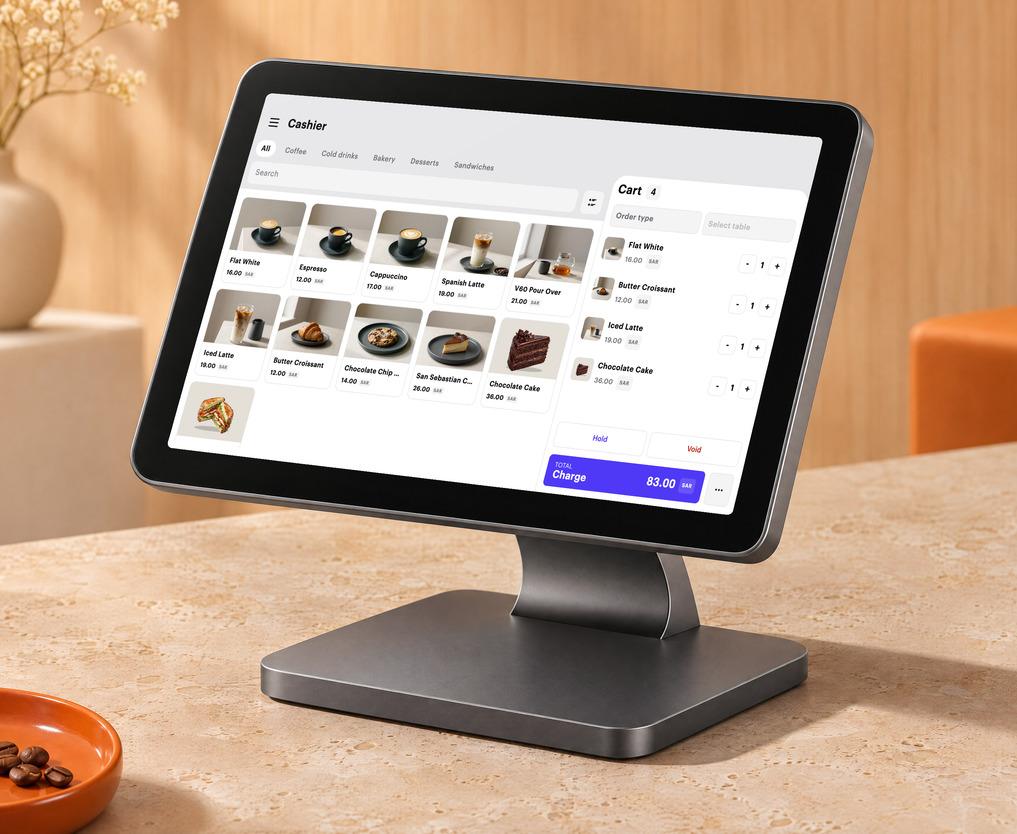
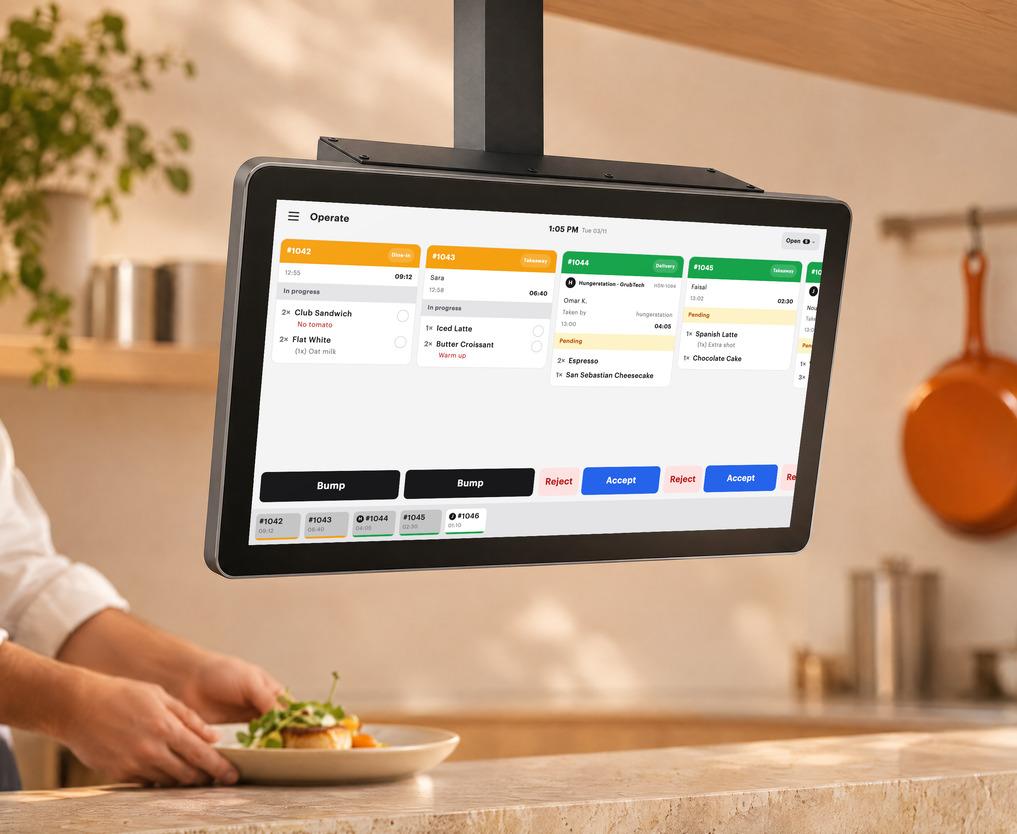
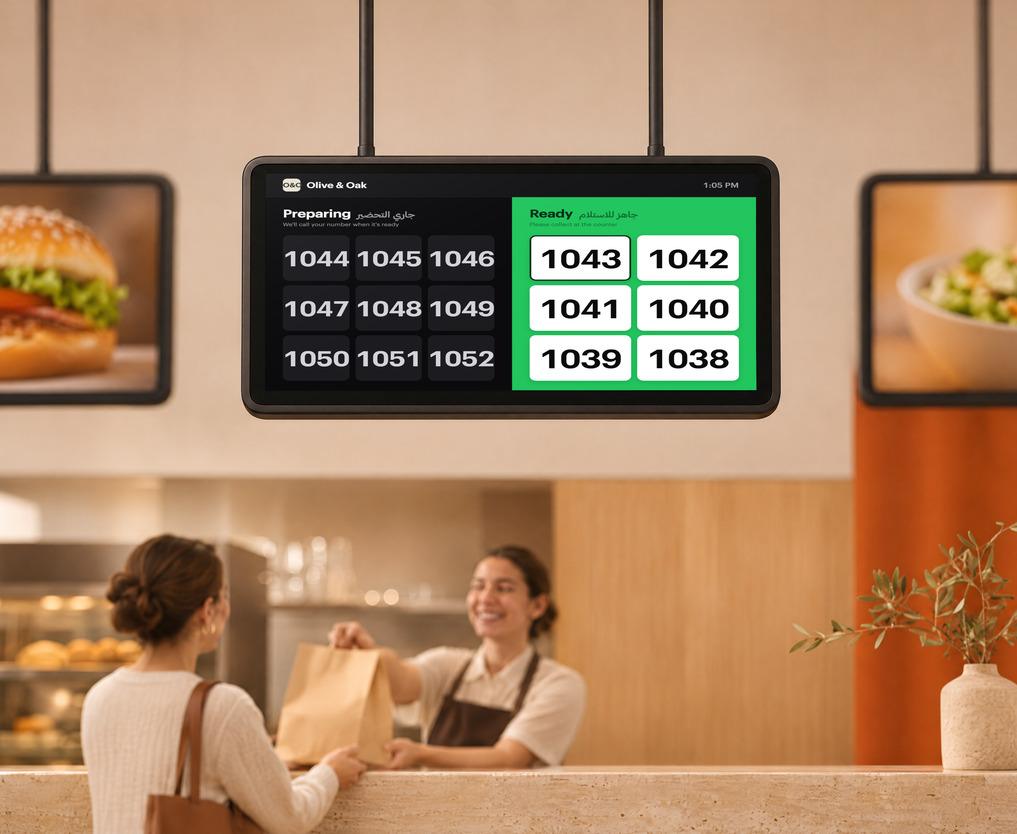
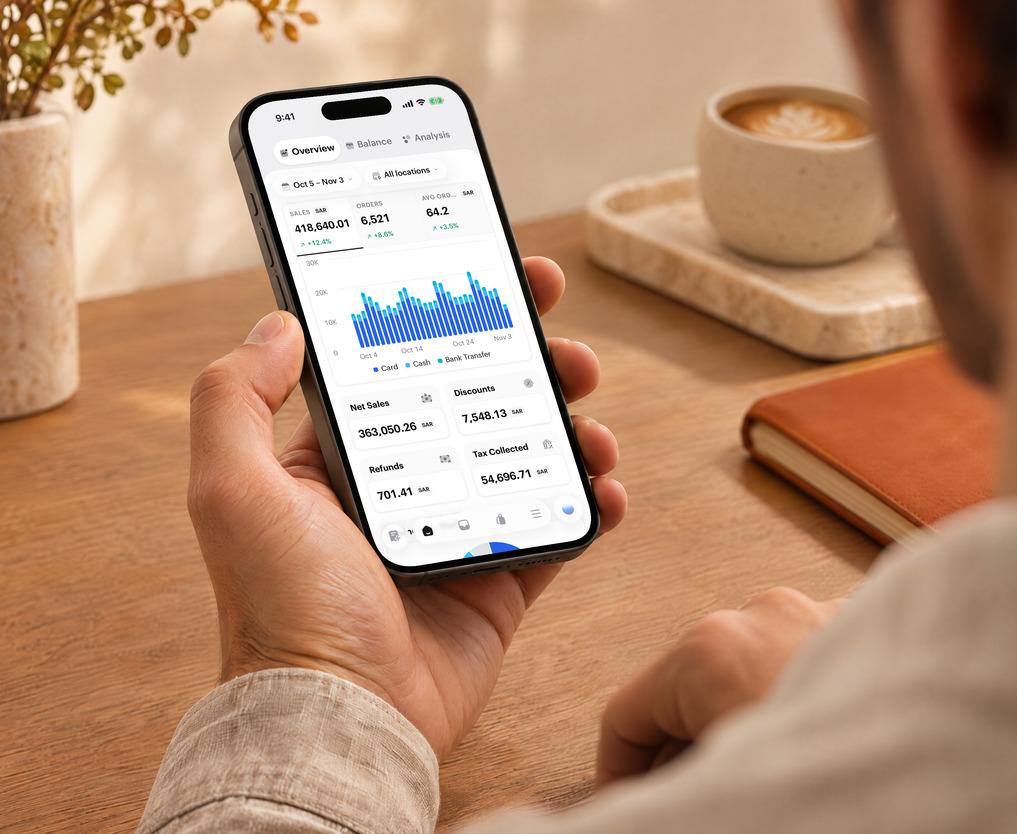
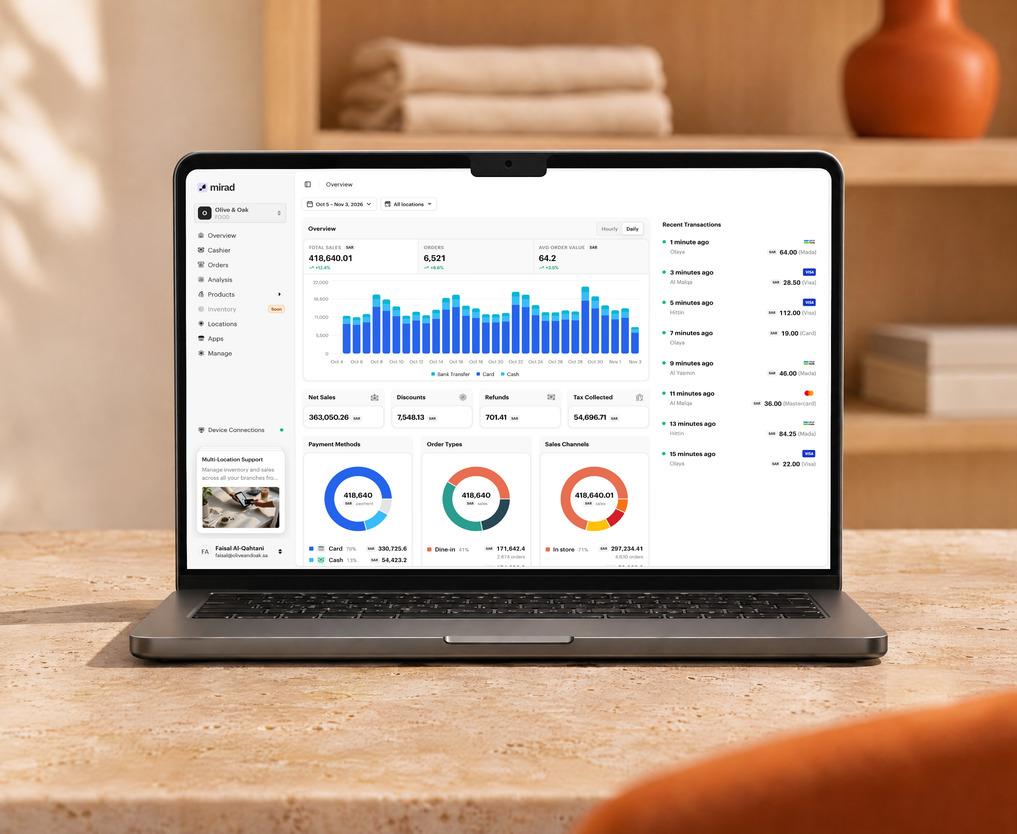
The display reads from the same cart, catalog and orders as the rest of Mirad.
-
-
-
-
-


Turn your till to face the customer.
Pair a customer display in a minute and let customers follow every item.