


















Order status screen
Ready? They'll know.
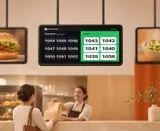
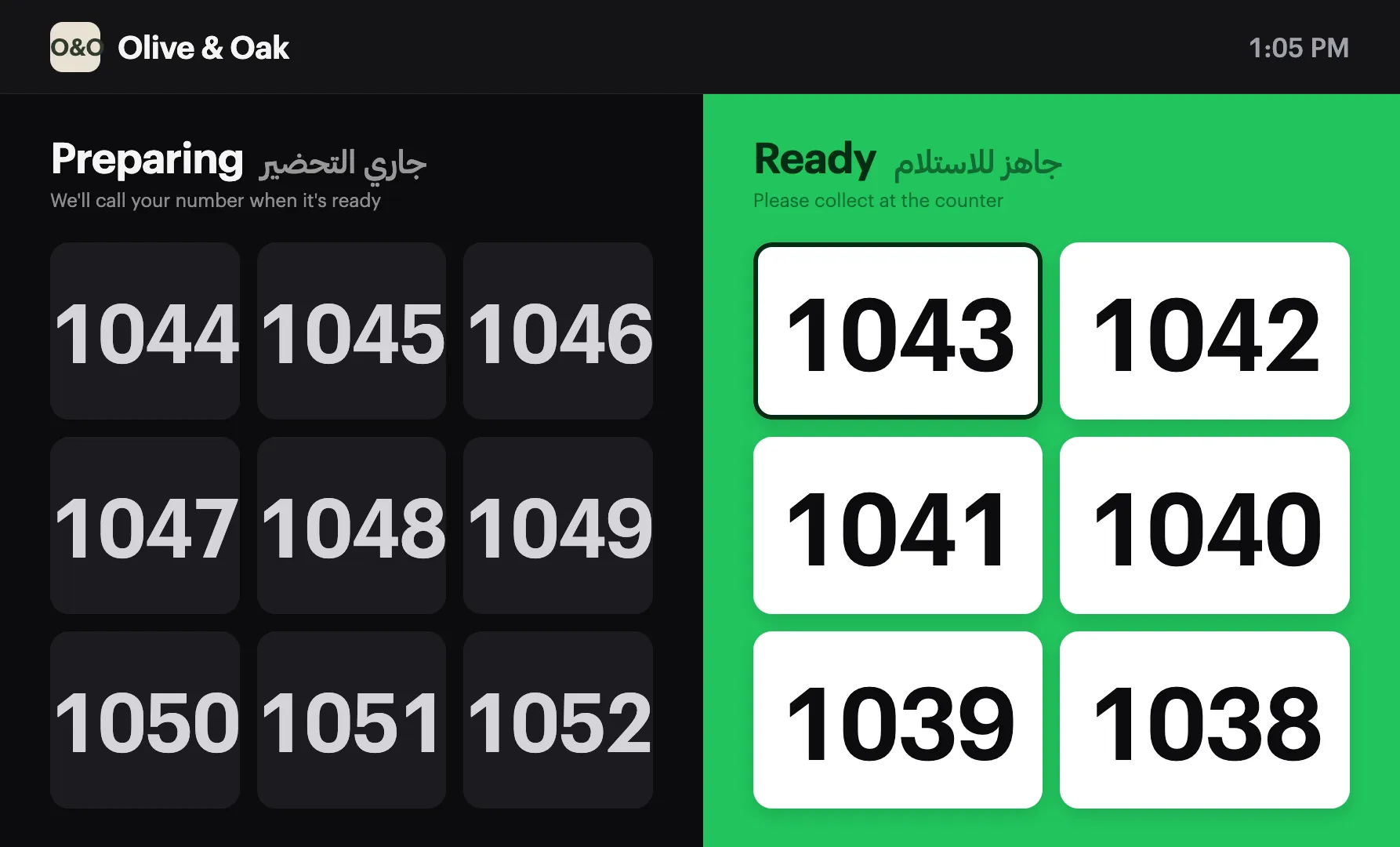
A pickup screen that shows every order as preparing or ready. Customers wait calmly and come up when their number turns green.
- Preparing and ready
- Big, clear numbers
- Two languages
- Your logo
- Updates live
Show
Two columns. No confusion. Preparing and ready.
Numbers sit in preparing until the order is done, then move to ready in big type.
-
Readable from the door
Big numbers on a dark board, with ready orders in bright green.
-

Just ready, just seen
The newest ready order stands out, so its customer spots it first.
-

Labels in two languages
Preparing and ready, in English and Arabic side by side.



Connect
Driven by your team. No extra steps.
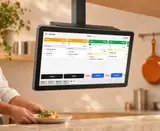
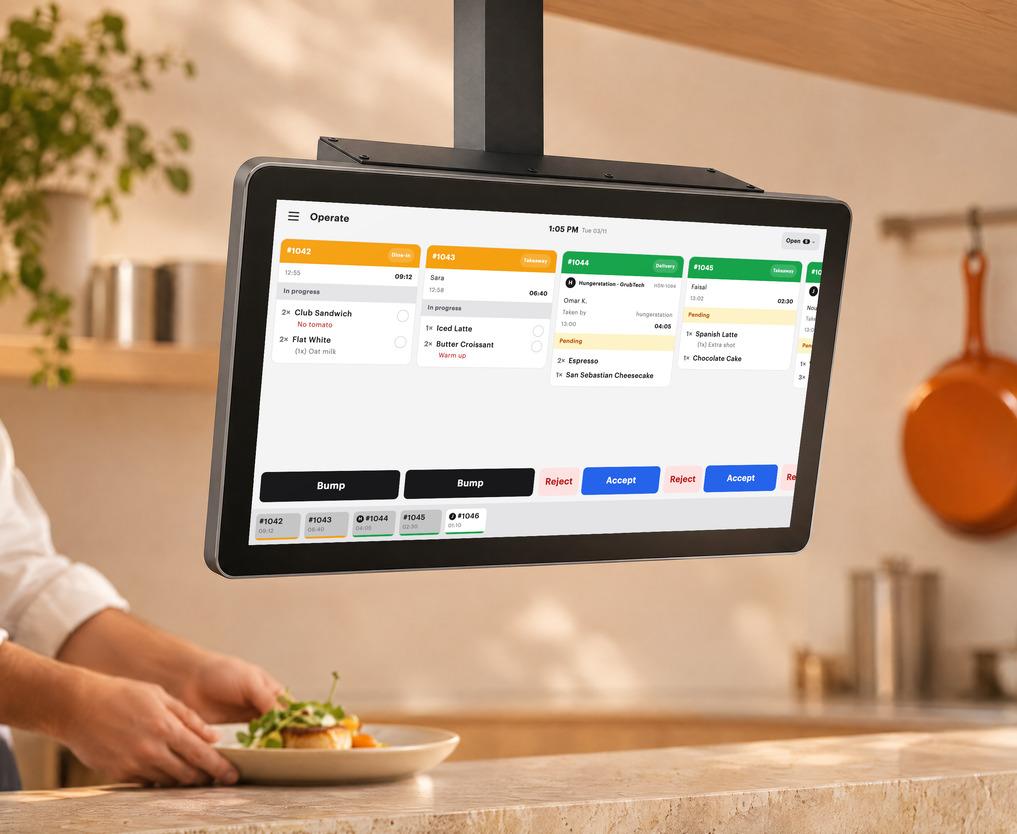
Bump an order on the operation system and its number turns ready here.
-
Bump there, ready here
The screen follows the operation system, so nobody updates it by hand.
-

A calmer counter
No shouting numbers and no crowd at the pass. Customers come up when it's their turn.
-

Your brand on screen
Your logo and name sit at the top, so the board looks like part of the shop.


Works with
Better together. From order to pickup.
Every order on the screen comes from the same flow as the rest of Mirad.
-
-
-
-
-


Let the screen call the numbers.
Hang it above the counter and stop shouting order numbers.