


















Self-order kiosk
Let customers order on their own.
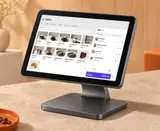
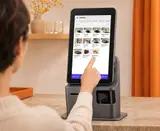
Your full menu on a self-order screen. Customers browse, customise and pay, and the order lands with your team, ready to accept.

- Your full menu
- Options and combos
- Card payments
- Printed receipts
- Multilingual
Browse
Your whole menu, self-serve. Same items as the till.
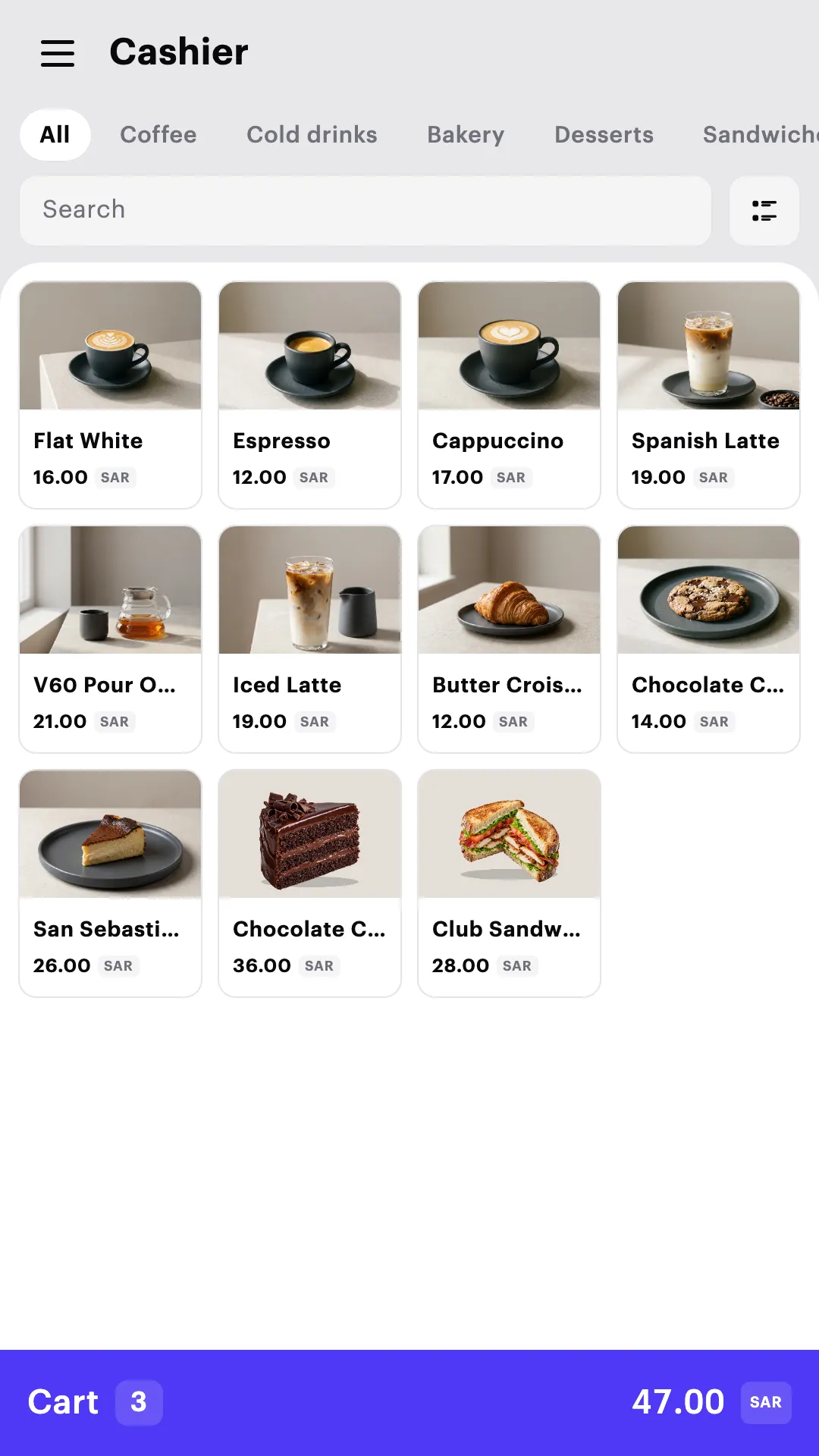
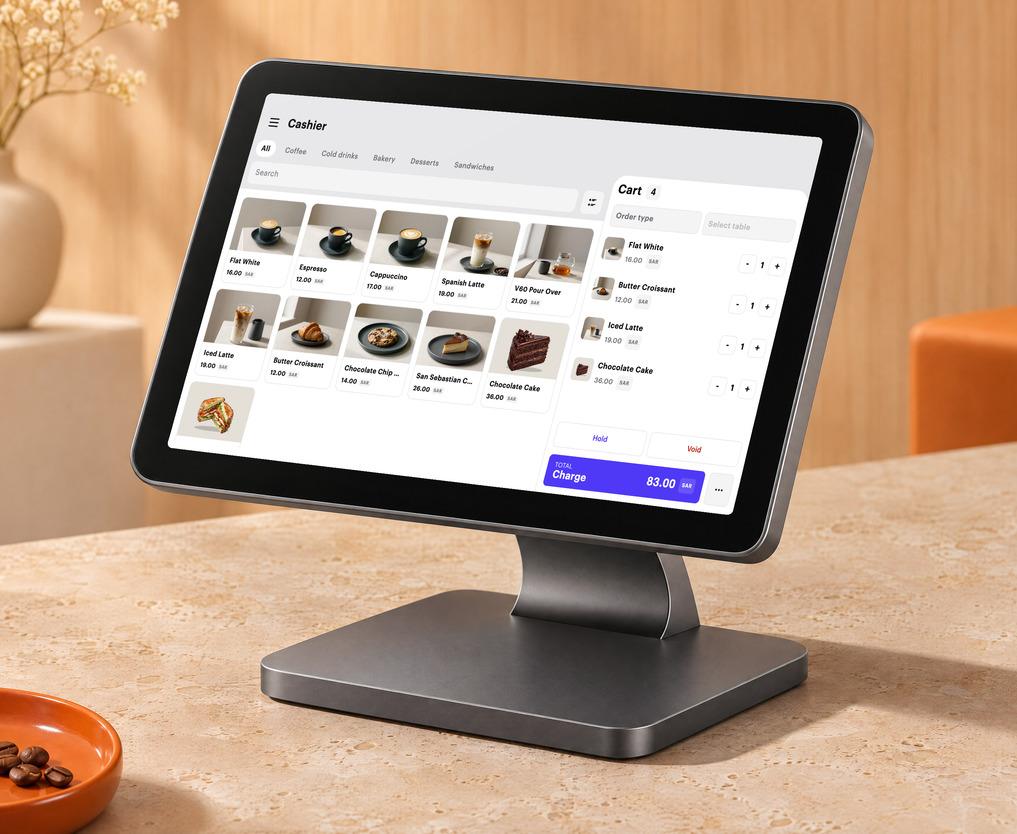
The kiosk shows the same catalog, photos and prices as your POS. Change it once and it updates everywhere.
-
Big photos, quick taps
Categories, search and photo tiles, sized for a fast choice.
-

Every option, priced
Sizes, add-ons and combos, with the price updating as they pick.
-

In their language
Runs in English, Arabic, Urdu or Hindi, right to left where it should be.



Pay
Paid before it's made. No queue at the till.
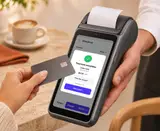
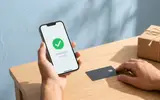
Customers check out and pay right at the kiosk, then take their receipt.
-

A clear checkout
Every item, option and price on one screen before they pay.
-

Tap and go
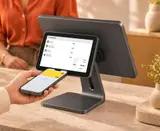
Customers pay by card or phone on the built-in reader.
-
Receipt in hand
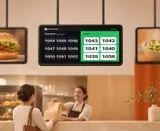
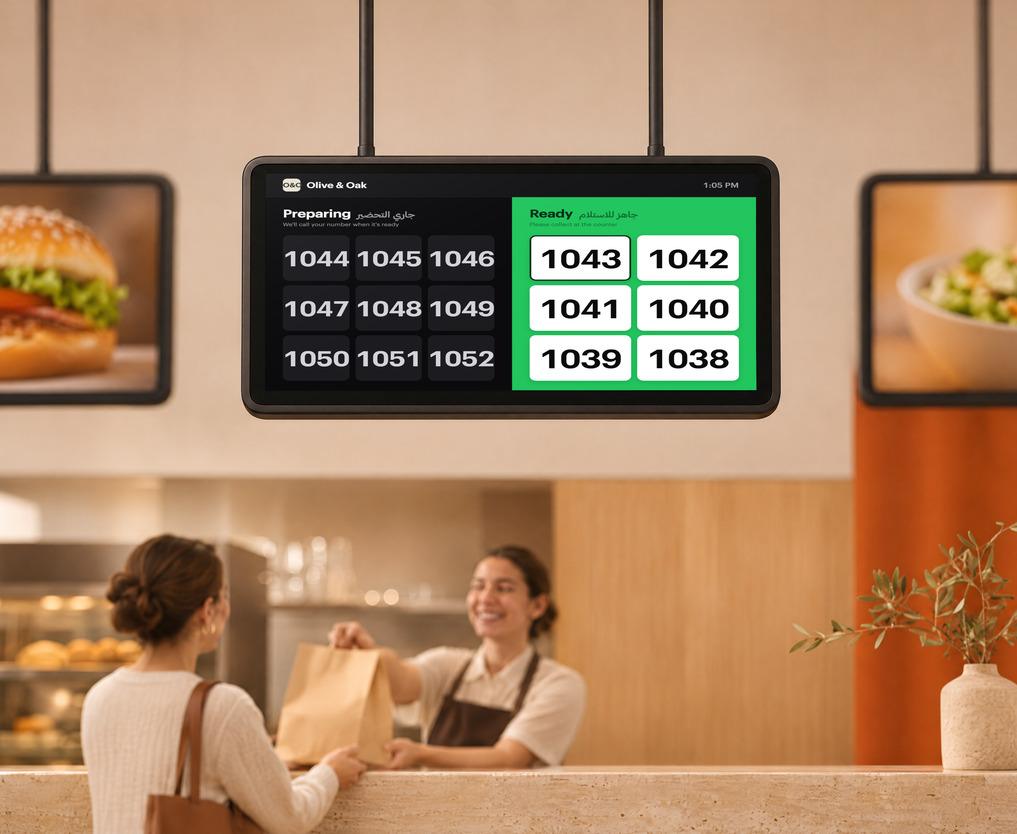
The kiosk prints a receipt with the order number, so customers know what to listen for.


Serve
Straight to your team. Accept and it's on.
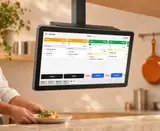
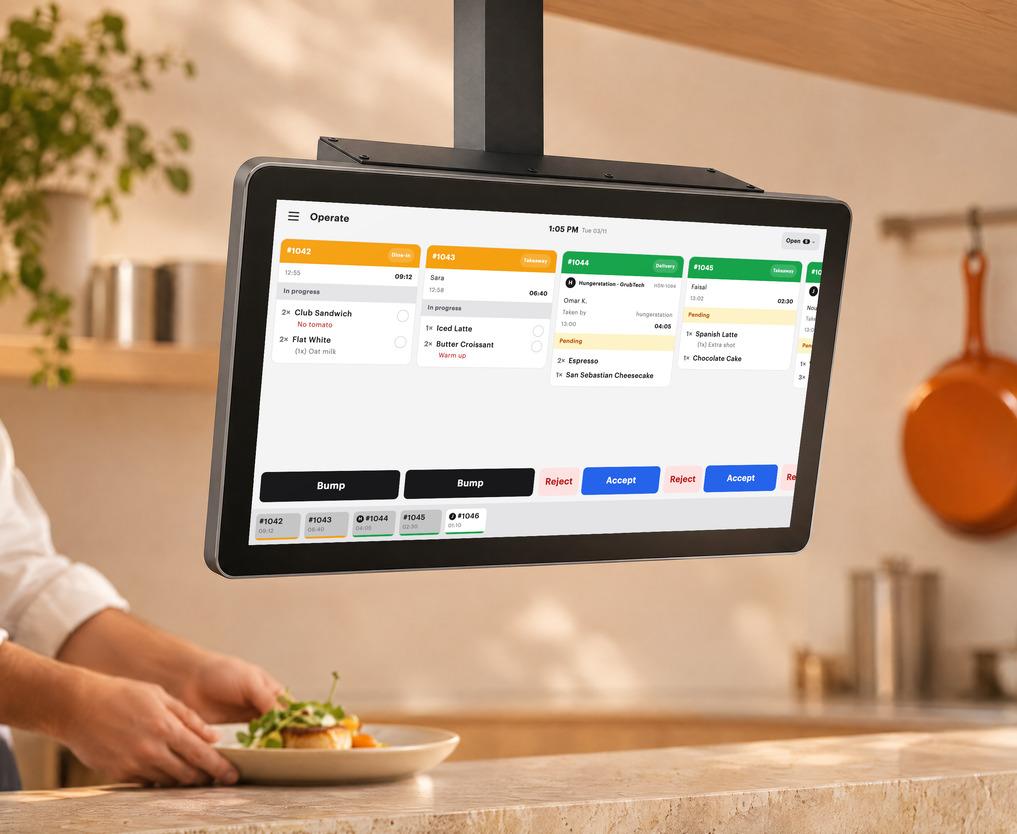
Kiosk orders arrive on the operation system for your team to accept. One tap and prep begins.
-
Accept in a tap
Kiosk orders wait as pending, so nothing starts until your team says so.
-

Staff tools stay hidden
Customers see the menu and checkout. Hold, void and other staff actions don't appear.
-

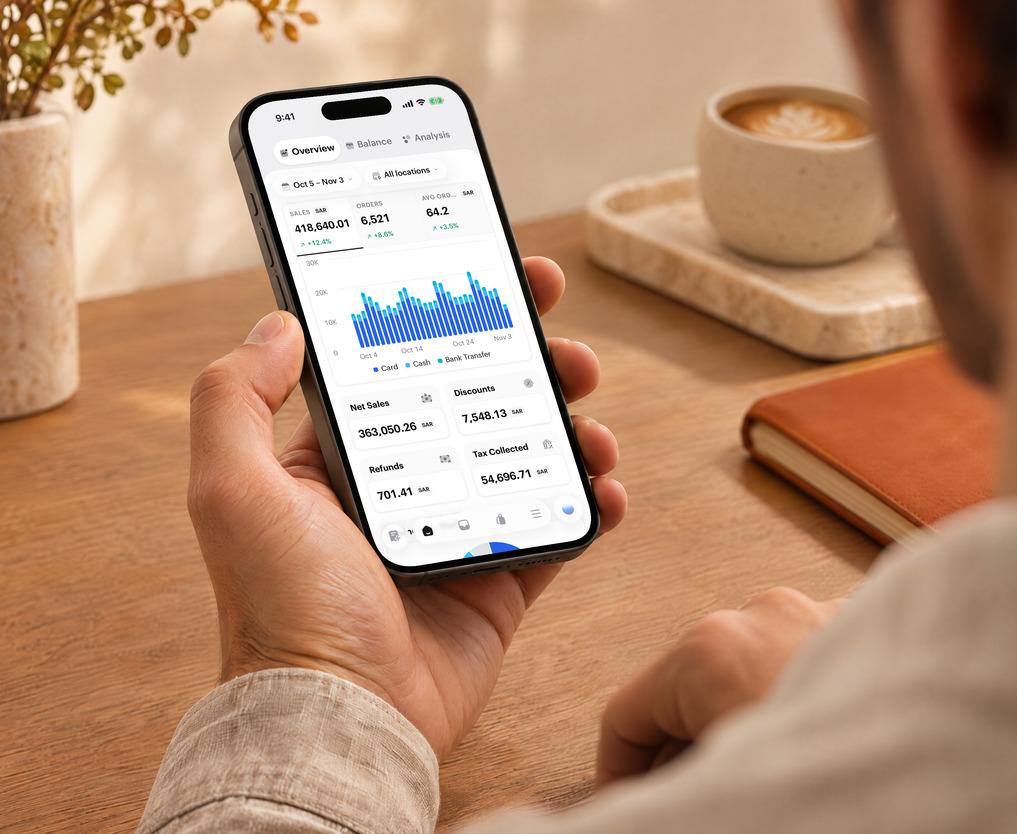
See what the kiosk sells
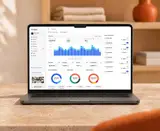
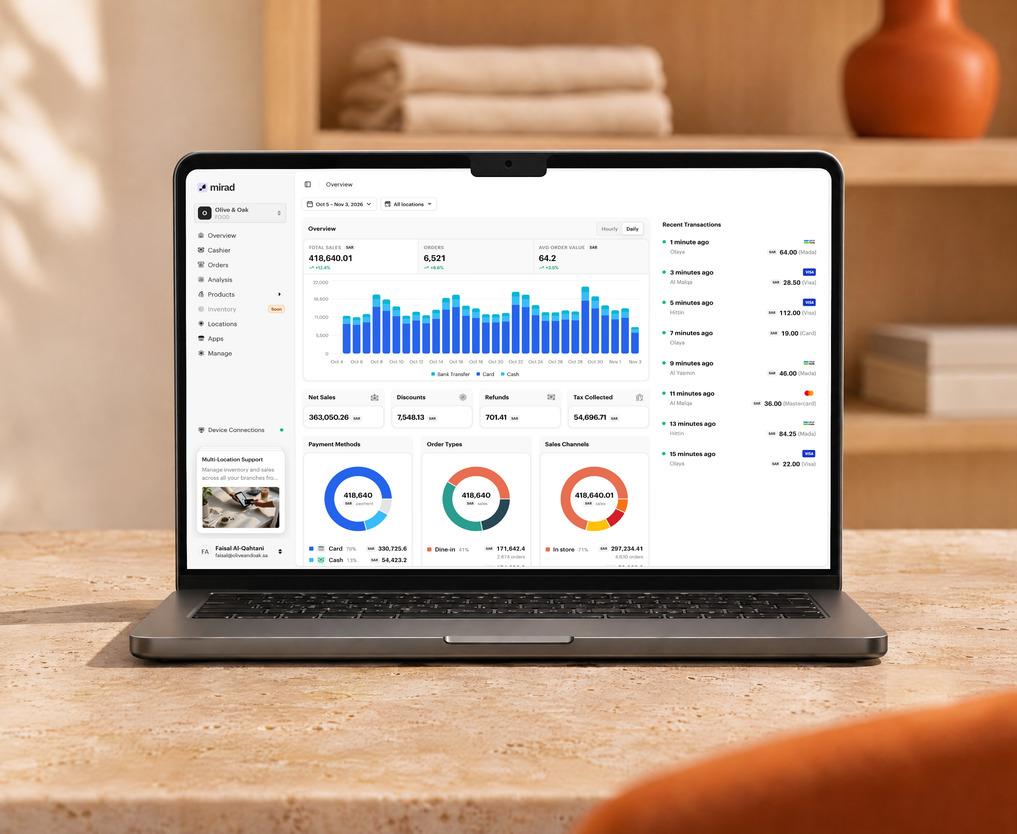
Kiosk sales show up on their own in your reports, next to the counter and delivery.


Works with
Better together. One menu, every screen.
The kiosk shares its catalog, orders and reports with the rest of Mirad.
-
-
-
-
-


Add a till that runs itself.
Set up a kiosk in an afternoon and shorten your line today.